

In this guide
In short
- Touch typing is the biggest single upgrade you can make.
- Accuracy first. Every mistake costs you twice.
- Ten to fifteen minutes most days beats one long session.
Why it's worth it
You type essays, notes, coursework and online tests. If you're hunting for keys, part of your brain is on the keyboard instead of on what you're trying to say. The goal isn't a big number. It's typing that happens on autopilot, so your fingers keep up with your thinking.
What WPM means
Words per minute usually counts a word as five characters, spaces and punctuation included, so long and short words even out. Most tests show a raw speed and a net speed that knocks off for mistakes. The net one's more honest.
You'll see all sorts of figures for an average typist. They come from different tests and different groups of people, so take any one number with a pinch of salt.
Touch typing basics
Each finger owns its own keys and you don't look down. On a QWERTY keyboard your left fingers rest on A, S, D and F, your right ones on J, K, L and the semicolon, and both thumbs share the space bar. F and J have little bumps so you can find them without looking.
Every other key is one finger reaching up or down and coming back. It'll feel slower than your old way at first. That's where most people give up. Push through a couple of weeks and it overtakes.
Accuracy first
Every mistake costs you twice: once to make it and once to fix it. Typing fast and sloppy also trains your fingers to repeat the same errors. Go at a pace where you barely make mistakes, keep a steady rhythm and only speed up a little once that feels easy.
Watch for the keys that keep tripping you up. For a lot of people it's numbers, punctuation or one weak finger. Slow drills on those do more than another fast run of easy text.
A 15-minute routine
Ten to fifteen minutes on most days is enough for steady progress over a few weeks. Something like this:
- Two minutes of warm-up: home row and common words, slowly.
- Five minutes drilling whatever you got wrong last time.
- Five minutes typing a real paragraph without looking at your hands.
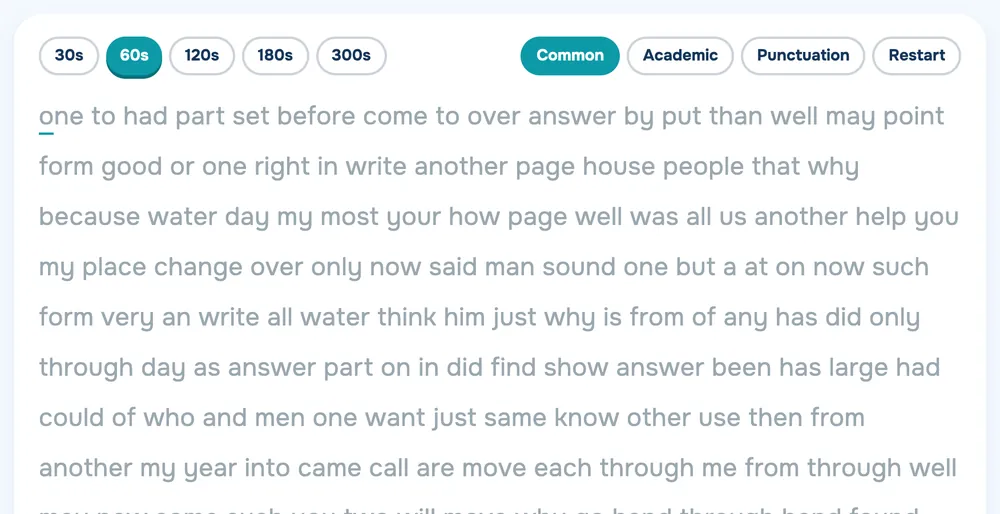
- One run on the Brainlag Typing Test. Note your WPM and accuracy.
Keep it going
Use touch typing for real work too, not just practice, or the old habit keeps winning. Accept a slower few weeks on assignments while it beds in.
Once a week, compare your Typing Test results with the week before. If accuracy drops, slow down next time instead of pushing harder. Expect plateaus, too. Progress comes in steps, and if you stall for a week or two, go back to accuracy drills and the next jump usually follows. Stop if your wrists get sore.
Quick questions
What's a good typing speed for a student?
There's no official standard. Aim for the speed where typing stops getting in the way of your thinking, with high accuracy.
How long does touch typing take to learn?
It varies. Most people find the first couple of weeks slow and awkward, then it gets comfortable with regular practice.


